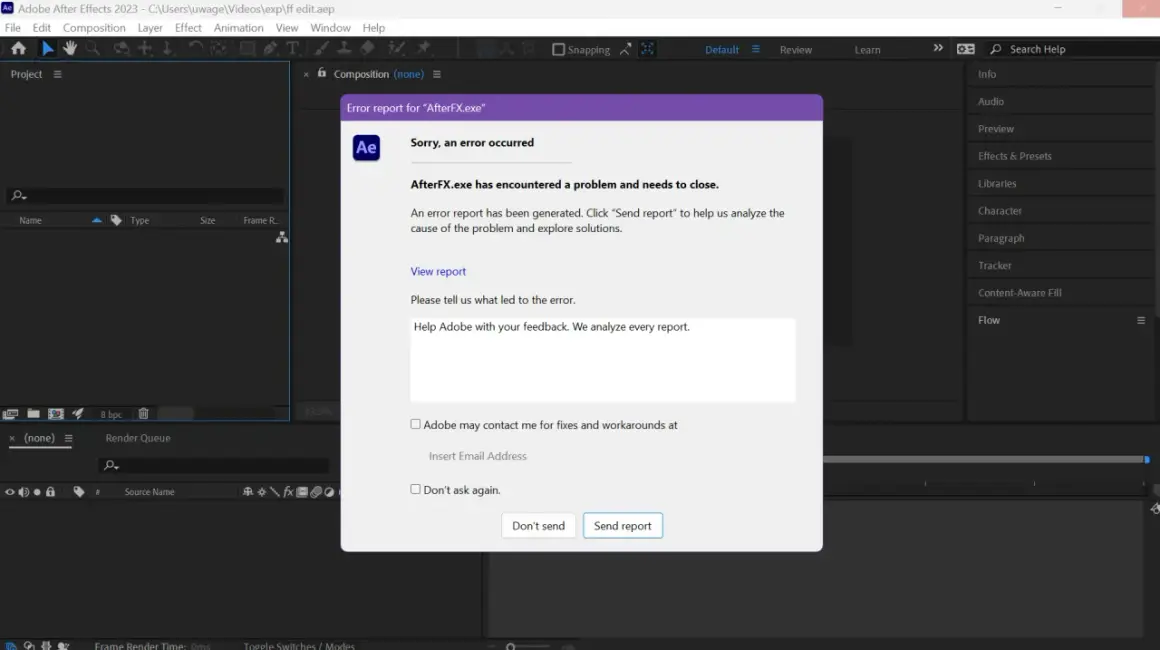
After Effects usually does not crash for one mysterious reason. In practice, the problem is almost always a mix of version-specific bugs, unstable plug-ins or effects, corrupted preferences or cache, or hardware that no longer fits the workload cleanly. This guide breaks down the crash patterns I look at first, the fixes that actually save time, and the point where a repair or reinstall becomes worth it.
The fastest way to narrow down the cause
- If you are on a build affected by compressed disk caching, disable Enable Compressed Frames (Lossless) first.
- Safe Mode is the quickest way to tell whether a plug-in or preference is involved.
- 16 GB of RAM is the practical floor, and 32 GB or more makes a real difference for 4K and heavier comps.
- If a blank project is stable but one comp crashes, treat the project, asset, or effect chain as the suspect.
- Empty All Caches clears disk, media, and database cache in one action.
- Third-party effects and codecs are still a common source of instability, especially after updates.
The crash pattern tells you more than the error message
I start by asking when the crash happens, because timing is usually more useful than the pop-up. A crash on launch points somewhere different from a crash during preview, and a crash that only happens in one project is a very different problem from an app-wide failure.
| Crash pattern | What it usually means | First thing I would try |
|---|---|---|
| Crash on launch or when opening preferences | Corrupt preferences, a bad workspace, or a plug-in that loads too early | Start in Safe Mode and reset preferences |
| Crash only after applying one effect | A specific effect, plug-in, or effect chain is unstable | Disable the suspect effect and relaunch |
| Crash during preview or RAM-heavy playback | Memory pressure, cache problems, or GPU/driver stress | Empty caches and check hardware fit |
| Crash during render or export | Codec, media, or output-module issues | Test with a duplicate project and cleaner media |
| Crash after updating to a recent 2026 build | A version-specific bug | Check known issues and disable compressed disk caching if affected |
That pattern matters because it tells you whether you are dealing with the app, the machine, or one project. Once you know that, the next step is checking whether the hardware itself is part of the problem.
Check hardware and version issues before anything else
Before I dig into preferences, I confirm the baseline. Current system guidance points to 16 GB of RAM as the minimum, with 32 GB or more making more sense for 4K and larger projects. On Windows, a GPU with at least 4 GB of VRAM is the floor, and newer builds also expect the graphics stack to be current enough for modern GPU features.
Storage matters more than a lot of people want to admit. After Effects is much happier with a fast internal SSD for app data and cache than with a slow or crowded drive, and a weak storage setup often shows up first as preview instability, then as a crash.
- If you are under 16 GB RAM, expect problems sooner under heavy comps and multitasking.
- If you work in 4K, 32 GB is not overkill; it is the point where the app starts behaving more predictably.
- If the GPU driver is old, update it before you assume the project is broken.
- If cache and media live on a nearly full drive, move them to a healthier SSD.
One current version-specific issue is worth calling out separately: some 2026 builds can crash with compressed disk caching enabled. If the machine itself passes the basic checks, cache and preference repair is the most efficient place to go next.
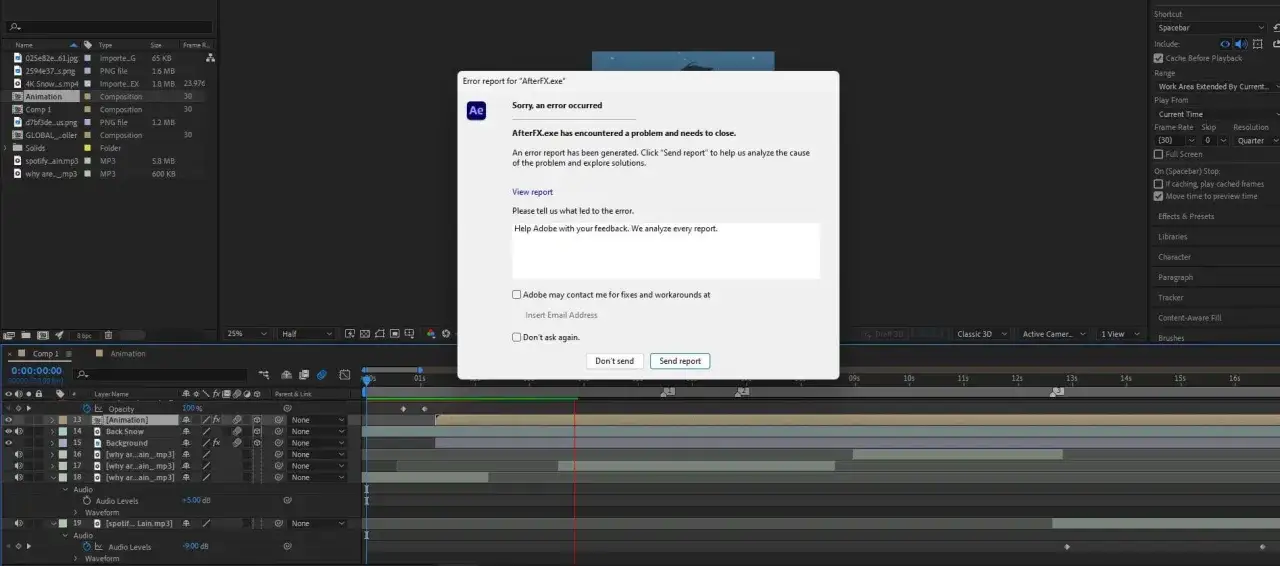
Clear cache and preferences before you reinstall
This is where I usually find the fastest win. Safe Mode temporarily starts After Effects with third-party plug-ins and extensions disabled, which makes it a clean way to test whether the crash belongs to the environment or the project. If Safe Mode stabilizes the app, I stop blaming the whole installation and start looking at preferences, plug-ins, or cached state.
- Start in Safe Mode and open a blank project.
- Use Empty All Caches to clear disk cache, media cache, and database cache.
- Reset preferences if the app still behaves erratically after relaunch.
- If you are on an affected 2026 build, turn off Enable Compressed Frames (Lossless) in the Disk Cache preferences.
I would not skip that last step. The compressed cache feature is useful when it works, but on the affected releases it can be the difference between a stable preview loop and repeated crashes. If the app is calm after this change, you have your answer without touching the rest of the system.
From here, the next question is whether a plug-in or effect is the actual trigger, because that is where a lot of motion-design instability hides.
Disable plug-ins and effects that can take the app down
Plug-ins are one of the biggest reasons creative software feels unpredictable. They extend the app, but they also expand the crash surface, and a single bad effect can make a project look far more broken than it really is.
- Check whether the crash happens immediately after applying one effect.
- Use the Effect Manager or the post-crash prompt to disable the last suspicious effect.
- Test the same project again with third-party plug-ins removed or temporarily disabled.
- Re-enable plug-ins one at a time so you can isolate the offender instead of guessing.
- If the crash only appears with one media type, transcode that file before blaming the whole app.
I also pay attention to codecs. Camera-native footage, odd H.264 variants, and live-link workflows can all be fine until they are not, especially when the project is heavy and the timeline is already under pressure. In those cases, a cleaner intermediate file is often more stable than forcing After Effects to keep decoding a troublesome source format.
Once the plug-in stack is clean, the next divide is simple: either the whole app crashes, or one project is poisoning the session.
When one project crashes, treat the file as suspect
If a blank project runs fine but one composition keeps crashing, I stop treating it like a system problem. That is usually a project problem, and the fastest fix is to isolate the layer, file, or effect chain that breaks it.
Start with a binary search, not guesswork
I duplicate the project and remove half the layers or effects at a time. It is not glamorous, but it is far faster than opening every panel and hoping the crash reveals itself. If the crash disappears after one half is removed, the problem is inside that section.
Watch the import chain closely
PSD files, Illustrator files, Cinema 4D projects, Dynamic Link handoffs, and certain imported media can all trigger crashes. The important part is not the file type itself; it is whether one specific asset always breaks the same comp at the same point. That repeatability is what makes the file guilty.
Read Also: Photo Editing Tricks - Make Your Images Shine
Do not ignore text, fonts, and expressions
Complex expressions and damaged font data can also destabilize a motion project, especially when the comp is already memory-heavy. If the crash starts when you edit text, change a font, or enable a script-driven layer, I treat that as a real clue, not a coincidence.
At this stage I am usually looking at one of three outcomes: rebuild the asset, remove the bad effect, or convert the media to something cleaner. If none of those changes move the needle, then it is time to collect evidence and escalate properly.
The fix order I would use on a real deadline
When I need the shortest route to a stable session, I work in this order: update After Effects, disable compressed disk caching if the build is affected, launch in Safe Mode, empty all caches, reset preferences, and then disable third-party plug-ins and effects one by one. If the crash survives all of that in a blank project, I stop guessing and gather logs.
- Test a blank project first so I know whether the issue is global or project-specific.
- Save or submit the crash report if the dialog appears.
- Use the log-collection tool before wiping more settings.
- Run the cleaner tool only when the install itself still looks damaged after cache, prefs, and plug-ins are ruled out.
- Rebuild the project from the smallest stable version if one file keeps crashing.
The main mistake I see is people jumping straight to a reinstall. That often wastes time and removes the clues that would have pointed to the real cause. A better approach is to isolate the narrowest failure first, because with After Effects the fix is usually specific, not generic.